
User Settings
Public Profile
Settings pane to manage your public Zephyr profile page
Public Profile
This pane is available to all non-K12 users
By default, your public profile will not be enabled. To enable your public profile and modify settings, toggle "Enable Public Profile" to "ON".
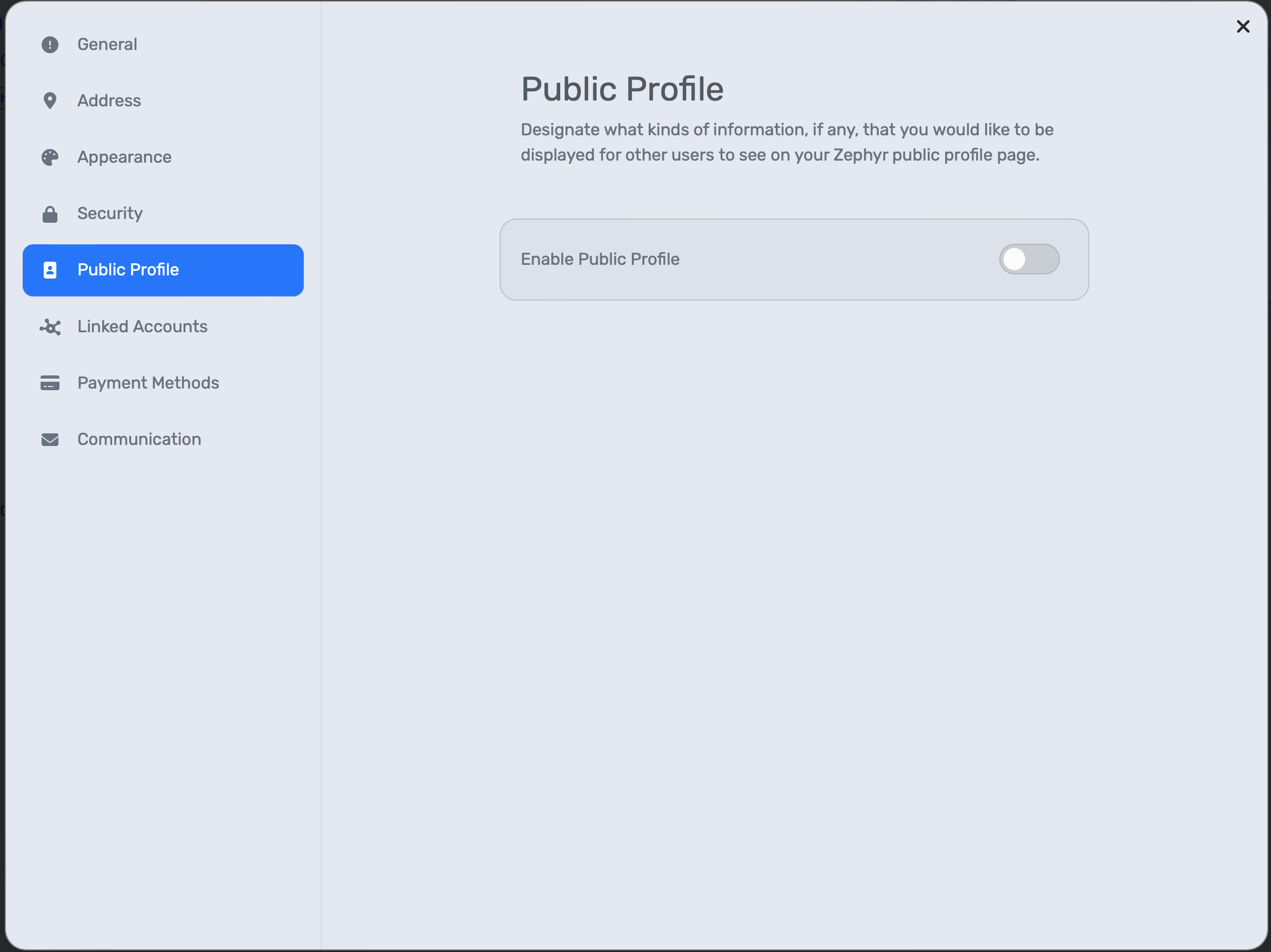
User Settings Public Profile Pane Disabled
After enabled, you will see profile options displayed below the "Enable Public Profile" toggle.
Manage Public Profile: opens your public profile in a new tab
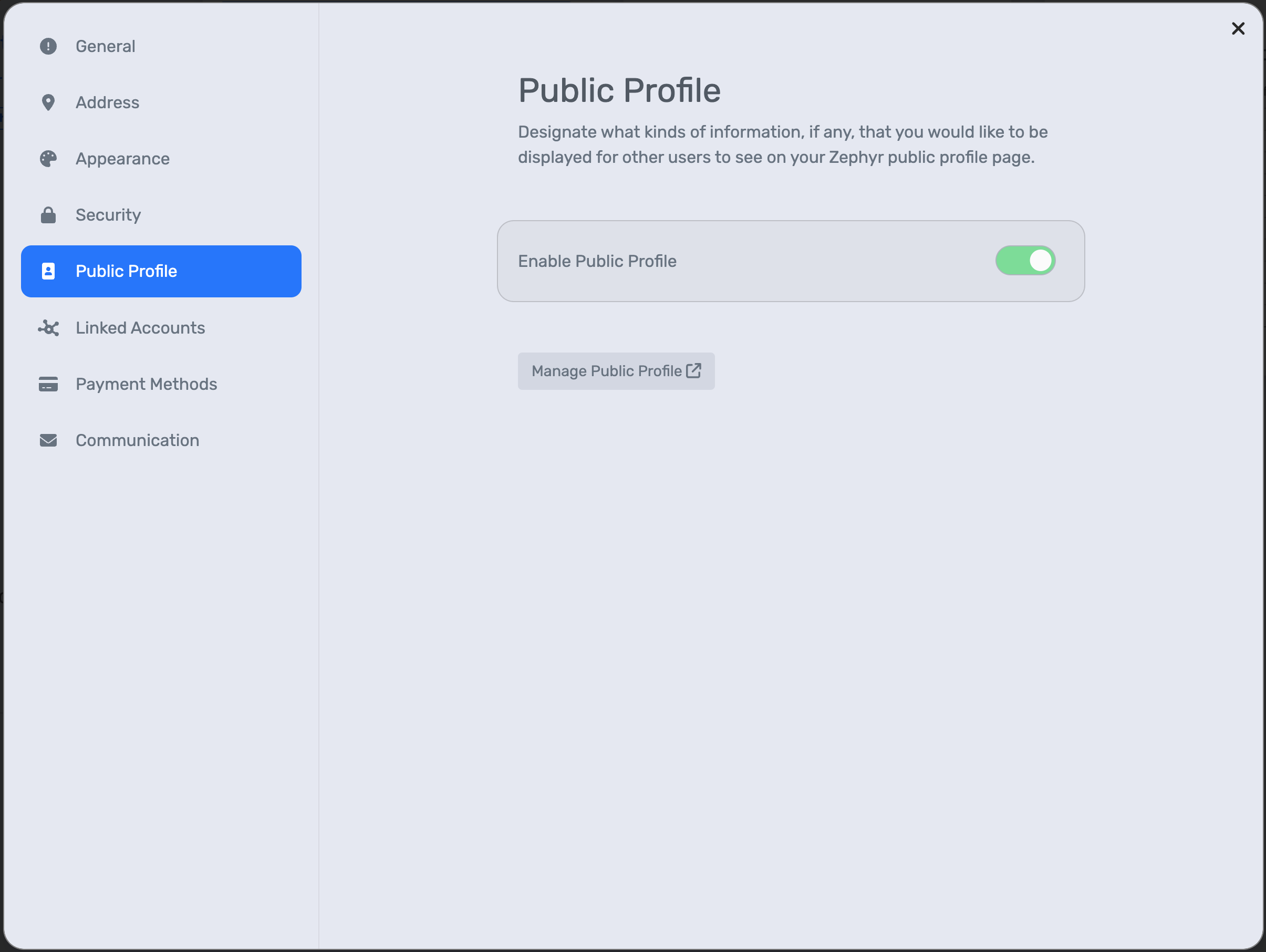
User Settings Public Profile Pane Enabled