
User Settings
Appearance
Settings pane to manage appearance options for the application
Appearance
This pane is available to all users
Theme
This pane allows the user to set a Light, Dark, or System mode for viewing the site.
- Light: (default) chooses a light color palette for styles
- Dark: chooses a dark color palette for styles
- System: detects your preference from your device
Responsive Width
The second options pertain to the width of content on the website:
- Full: uses all horizontal space on the screen to fit content
- Regular: sets a maximum width for content to fit within
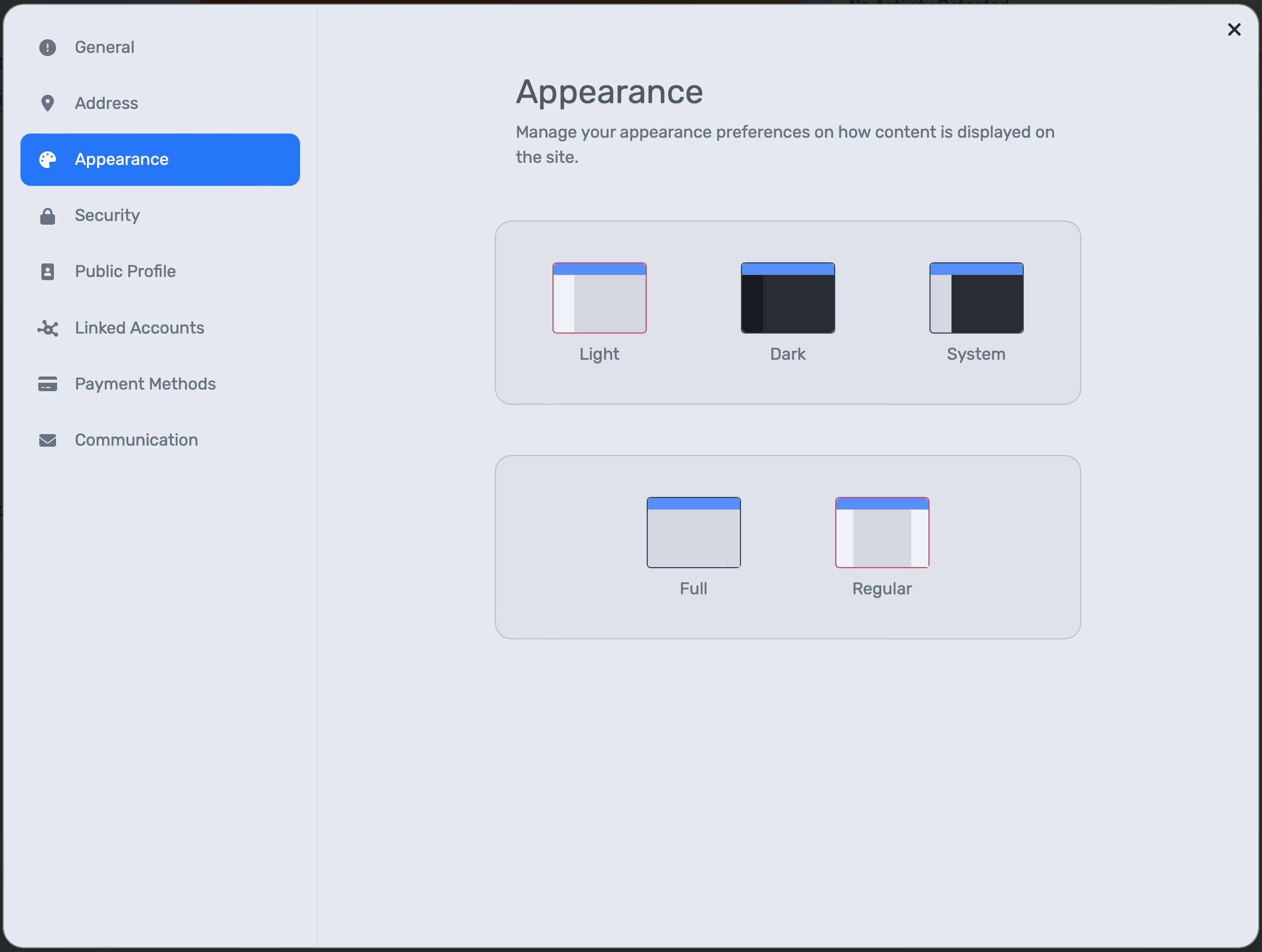
User Settings Pane for Appearance